Picking a desktop AI agent comes down to three ways of working: install something ready-made (AutoClaw), work in the cloud through a browser (Manus), or build and run the open-source OpenClaw framework yourself. None of the three is simply better — it depends on what data you handle, what kind of work you do, and how much upkeep you're willing to own. This article runs all three through six dimensions of comparison, including one most reviews skip: who actually builds the model underneath. A 30-second decision table sits at the end.
How we compared. Every dimension below is evaluated on the same three inputs: each vendor's official documentation (as of October 2026), hands-on experience with AutoClaw's own workflows, and publicly documented community reports for the other two routes. Where a claim depends on features that change frequently — pricing, integrations, model availability — we say so instead of asserting a snapshot as permanent truth. We have an obvious stake in one of these routes; that's exactly why we show our criteria instead of hiding them.
1. The Three Routes
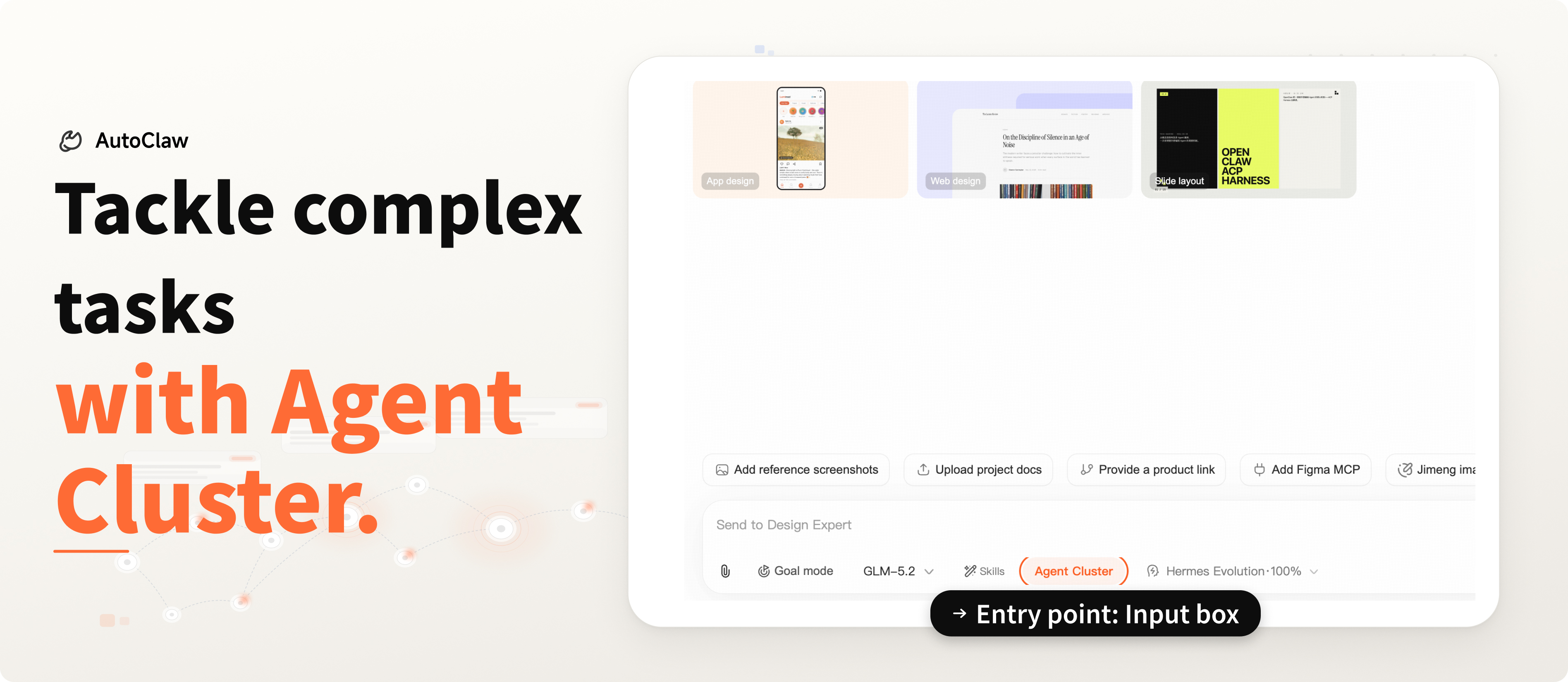
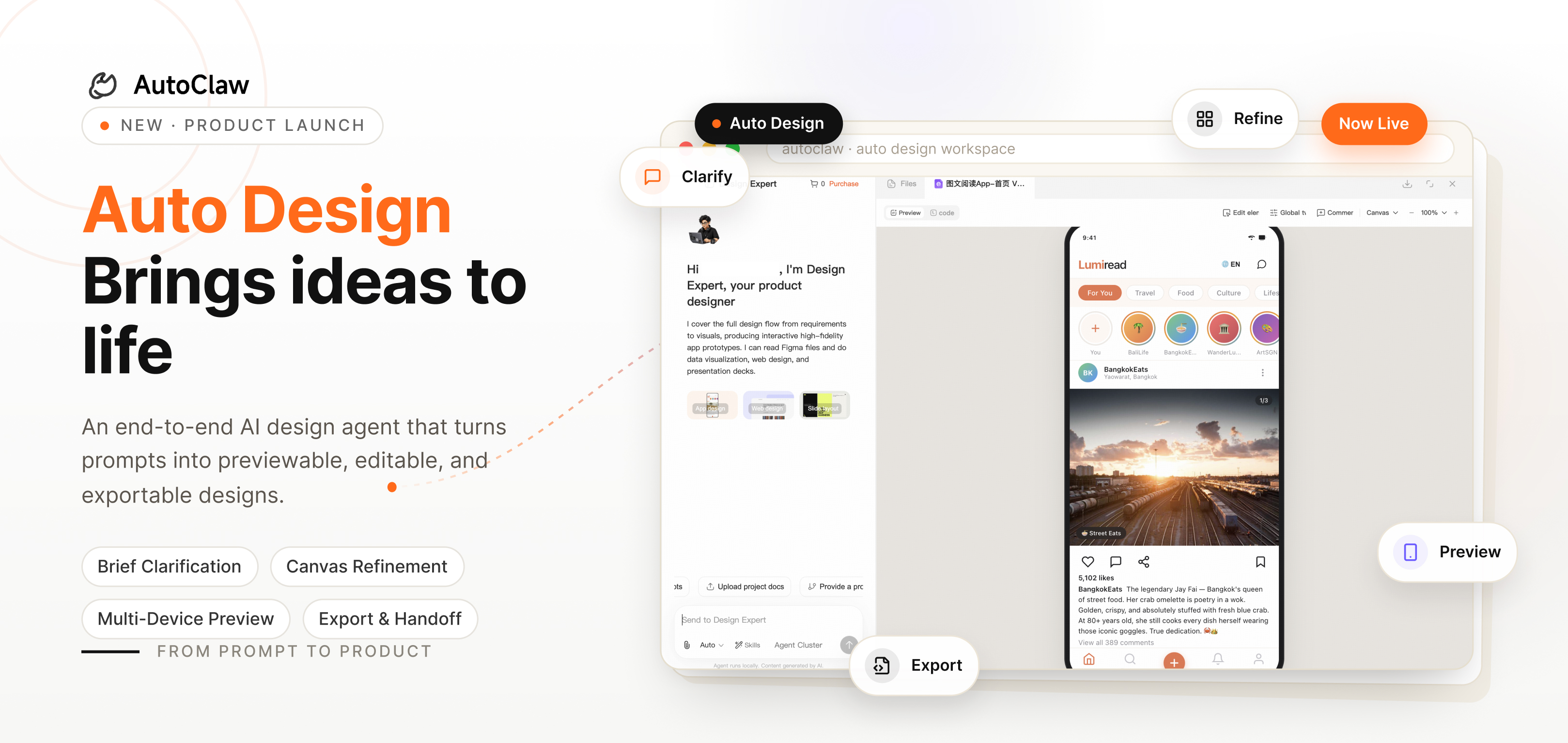
AutoClaw (one-click local). A desktop AI agent built by Zhipu AI — a one-click-install local OpenClaw application. It lives on your computer (Windows/macOS), operating your files, browser, and tools directly. Data is processed locally; only necessary model-call context is transmitted. 50+ pre-built skills work out of the box, with Goal Mode (set a destination, it plans-acts-verifies-iterates), Swarm Mode (parallel multi-role execution with built-in review), multi-agent memory isolation, and Hermes self-evolution. It integrates with Discord, WhatsApp, and Slack.
Manus (cloud-native). A commercial cloud agent platform. Tasks execute in Manus's cloud sandbox — you give it a goal on the web or desktop app, and it decomposes, executes, and delivers from the cloud. Its strengths: nothing to install, the same experience on any device, and a rich integration ecosystem (Slack, Chrome extension, mobile apps). The company was acquired by Meta in late 2025, then resumed independent operations in September 2026 with its founding team still in charge — worth factoring in as a stability data point when you evaluate vendors. The trade-off: tasks run in someone else's cloud, your files get uploaded, and you pay by plan and usage.
Self-hosted OpenClaw (open source). OpenClaw is an open-source agent framework with an active community. Self-hosting means maximum control and customizability — and maximum responsibility: environment setup, API key management, security hardening, and version maintenance are all yours. After the community's explosive growth in 2026 came security controversies and a wave of forks; "what's the actual security boundary of a self-hosted agent" is now the question every self-hoster must answer.
2. Six Dimensions Compared
Dimension 1: Setup and Onboarding
| AutoClaw | Manus | Self-hosted OpenClaw | |
|---|---|---|---|
| Install | ~1 minute, native installers | None — runs in browser/app | Hours to days (environment + config + debugging) |
| Technical bar | None | None | High (command line, APIs, ops) |
| Ongoing maintenance | Official auto-updates | Fully managed | You own versioning and security patches |
Bottom line: If you just want to start working, AutoClaw and Manus are both best; self-hosting costs an order of magnitude more on day one.
Dimension 2: Data Boundary (The Question That Matters Most)
| AutoClaw | Manus | Self-hosted OpenClaw | |
|---|---|---|---|
| File storage | Processed locally; only model-call context transmitted | Uploaded to cloud sandbox for execution | Fully under your control (depends on your setup) |
| Security responsibility | Official hardening + local isolation | The platform's | Entirely yours |
| Best-fit data | Contracts, financials, client files | General office material | Enterprises with security teams |
The deepest divide between the three routes sits right here: when someone says "your files don't leak," a local architecture backs it with architecture, a cloud platform backs it with a contract, and a self-hosted setup backs it with your own discipline. If you work with contracts, financial data, or client files, read this row twice before anything else.
Dimension 3: Execution
| AutoClaw | Manus | Self-hosted OpenClaw | |
|---|---|---|---|
| Execution location | Local — operates your files and browser directly | Cloud sandbox | Your infrastructure |
| Deep tasks | Goal Mode autonomous loops + Swarm Mode multi-role review | Autonomous execution with a rich template ecosystem | Depends on your framework configuration |
| IM integration | Discord, WhatsApp, Slack | Slack, Chrome, mobile-first | Build it yourself |
| Models | GLM series by default, multi-model configurable | Platform's model matrix | Any model (you manage API keys) |
Where the agent runs decides what it can do. Work that has to happen on your computer — sorting local files, driving backends you're logged into, batch-processing contracts sitting on your disk — is out of reach for cloud agents no matter how good they are. For pure online research, cloud and local perform about the same.
Dimension 4: Who Builds the Model Underneath
Most comparisons leave this dimension out, because most vendors can't compete on it. The question still matters: who builds the model your agent runs on — and how closely do the agent and model actually work together?
- AutoClaw comes from Z.ai (Zhipu AI) — the same company that builds the GLM models. Agent and model are made by one team: AutoClaw ships with GLM by default, new GLM releases work in AutoClaw on day one (GLM-5.3-Flash did), and the agent layer is tuned around how GLM actually handles tool calls, long context, and multi-step work. When something breaks at the model level, there's no second vendor to wait on — the people who built the model fix the agent.
- Professional work got real training time, not prompt dressing. Z.ai trains GLM on professional material, so the vertical capabilities live in the model rather than in agent-side prompt wrappers: AutoClaw's Legal Assistant retrieves from major Chinese legal databases (~42,700 statutes, 78.6M court decisions, every answer with its source), and the investment-research workflow pulls market data, filings, and backtests into structured reports. Legal and finance are exactly where generic agents are weakest and the gaps between stacks are widest.
- Manus and self-hosted OpenClaw both run on other people's models. Manus routes tasks across a platform-chosen model matrix; self-hosters bring their own API keys. Nothing wrong with either — renting a model is flexible, and a model matrix has its own logic. But neither can shape the model around the agent. When a task fails deep inside a model call, Manus users wait on a third-party vendor and self-hosters debug their API provider alone. AutoClaw has no middleman in that chain — one team owns the whole path.
When does this dimension matter? If your tasks are general — summaries, research, light automation — who made the model barely moves the needle. If you work in law, finance, or engineering, where model performance on professional material is the product, an agent built by the model's maker simply iterates faster.
Dimension 5: Cost Structure
| AutoClaw | Manus | Self-hosted OpenClaw | |
|---|---|---|---|
| Upfront | Free tier (core features + daily credits) | Free tier | Hardware + your time |
| Ongoing | Subscription (individual/team) | Subscription + usage-based billing that scales linearly with volume | API costs + ops labor |
| Hidden cost | Low | Grows with usage — estimate your monthly task volume | A part-time ops engineer's implicit salary |
Total cost of ownership: Self-hosting isn't necessarily expensive in API fees, but maintenance time is chronically underestimated; usage-based cloud billing scales with volume; local subscriptions are the most predictable. All three pricing models are reasonable — the difference is whether the billing logic matches your usage curve.
Dimension 6: Who Each Route Fits
- Lawyers, legal ops, finance (sensitive files daily) → AutoClaw: files stay on-device, legal assistant workflows ready to go, usable inside IM
- Cross-border, collaboration-heavy teams (multi-language, template-heavy, lighter tasks) → Manus: nothing to install, mature integrations
- Engineering teams and hackers (full customization, ops capacity) → Self-hosted OpenClaw: maximum control, maximum responsibility
- The three aren't mutually exclusive: sensitive tasks local, open research cloud, custom pipelines self-hosted — plenty of teams mix all three
(Scene-by-scene decisions in the table below.)
3. Two Real Examples: The Same Job, Three Different Ways
Spec tables hide the parts that matter. So here are two everyday jobs, and how each route would actually handle them.
Scenario A: "Keep an eye on my orders dashboard and ping me if something's off"
You run a small e-commerce store and want an agent to check your orders dashboard every 15 minutes and ping you if anything looks wrong.
- With AutoClaw: You type the goal in Discord or Slack once. Scheduled tasks run the check locally against your logged-in session — no credentials to upload — and the alert lands in the same thread, with a screenshot of the dashboard so you can see what it saw.
- With Manus: The task runs in its cloud environment. If the dashboard is public, this works without friction. If it sits behind your own login, you'll need to hand over credentials or expose an API — and that's the moment the data-boundary question from Dimension 2 stops being theoretical.
- Self-hosted OpenClaw: Full control — write the monitor script, wire up alerts, own the cron job. Maximum flexibility, but you're now the on-call engineer for your own automation.
Scenario B: "I sign this 40-page contract tomorrow — flag the risks first"
A vendor sends a services agreement. You want risks flagged before tomorrow's call.
- With AutoClaw (Legal Assistant mode): Drop the file into the desktop app. The contract is analyzed on your machine, with dual-position review (it represents your side), tracked-changes output in Word, and every risk tied to specific clause language. Nothing leaves your disk except model-call context. For contracts under NDA, this alone often decides it.
- With Manus: You upload the contract to the cloud sandbox. The review is fast and the output is polished — but the document now exists on a third party's infrastructure, and for many firms that answer alone ends the evaluation.
- Self-hosted OpenClaw: Capable, if you've built or integrated a document pipeline. You're trusting your own hardening of an open-source stack with a legally sensitive file.
Both scenarios point at the same thing: architecture isn't a line in a spec sheet. It decides which tasks a route can do at all.
4. The 30-Second Decision Table
| Your situation | Pick | Why in one line |
|---|---|---|
| Sensitive files (contracts, financials, client data) you don't want in the cloud | AutoClaw | Local is an architectural guarantee, not a contractual one |
| Work in legal/finance where domain depth matters | AutoClaw | Built by the GLM model maker — agent and model shaped together |
| Want an AI teammate in Discord/WhatsApp | AutoClaw | Deep IM integration + cross-platform shared memory |
| Want zero installation, works from any browser | Manus | Nothing to install, works everywhere |
| Engineering team that wants deep customization and full control | Self-hosted OpenClaw | Maximum control — you also own the ops burden |
| Unsure / budget-conscious | Trial AutoClaw and Manus free tiers for two weeks | The same test tasks beat every comparison article — including this one |
5. An Honest Note
Yes, this is AutoClaw's official blog, and we've kept to public documentation and current product state — no untested negative claims about anyone. Our honest advice: don't trust this article or any other comparison. Take the same three or four test tasks and run every candidate yourself. Something as plain as "pull the key details from these three files into a table" will tell you more than a dozen reviews — including this one.
If AutoClaw makes your test list: download it here, and your first task runs within five minutes. For deeper questions (security whitepaper, enterprise deployment), ask in the comments.
FAQ
Is AutoClaw free? How does pricing work?
Core features are free, with daily credits that cover everyday document work, data analysis, and browser automation. Heavier usage and team collaboration move to a subscription (individual/team). Two more ways to save: AutoClaw works withZ Coding Plan, and GLM models come with a 150% credit bonus when used inside AutoClaw — running GLM tasks here simply costs less.
I'm not technical. Can I actually get this running?
Yes. Install in about a minute, and the 50+ built-in skills work immediately — no command line, no API keys. Start with something small like "merge these three spreadsheets into one summary table" and watch it actually work on your machine within five minutes.
What's the deal with OpenClaw? Couldn't I just self-host it?
You absolutely can — OpenClaw is the open-source framework, and self-hosting gives you maximum control at the price of setup, security hardening, and maintenance you own forever. AutoClaw is Zhipu AI's desktop application on that foundation: one-click install, official updates, local-first data handling. If you want to tinker, respect. If you want to skip the tinkering and get to work, that's why AutoClaw exists.
Compared to cloud agents like Manus, when should I pick AutoClaw?
Look at your files. Contracts, financials, client records — if you want those staying on your machine, local architecture is a hard requirement no cloud product can offer. If you mostly handle public material, the two feel similar; pick whichever integrations fit. Short version: the more sensitive the data, the more local matters.
Can I run multiple AI agents on one computer?
Yes. AutoClaw runs multiple agents with fully isolated personas, workspaces, and memories — a work agent and a personal agent never see each other's context. One agent can also stay consistent across Discord, WhatsApp, and Slack with shared memory: switch platforms, same assistant.