Account and subscription
📌 This page covers account entry points, credit details, top-ups, and subscription notes. Redact screenshots that show balances or orders before sharing them.
Steps: view your account and credits
Step 1: Open the account entry points
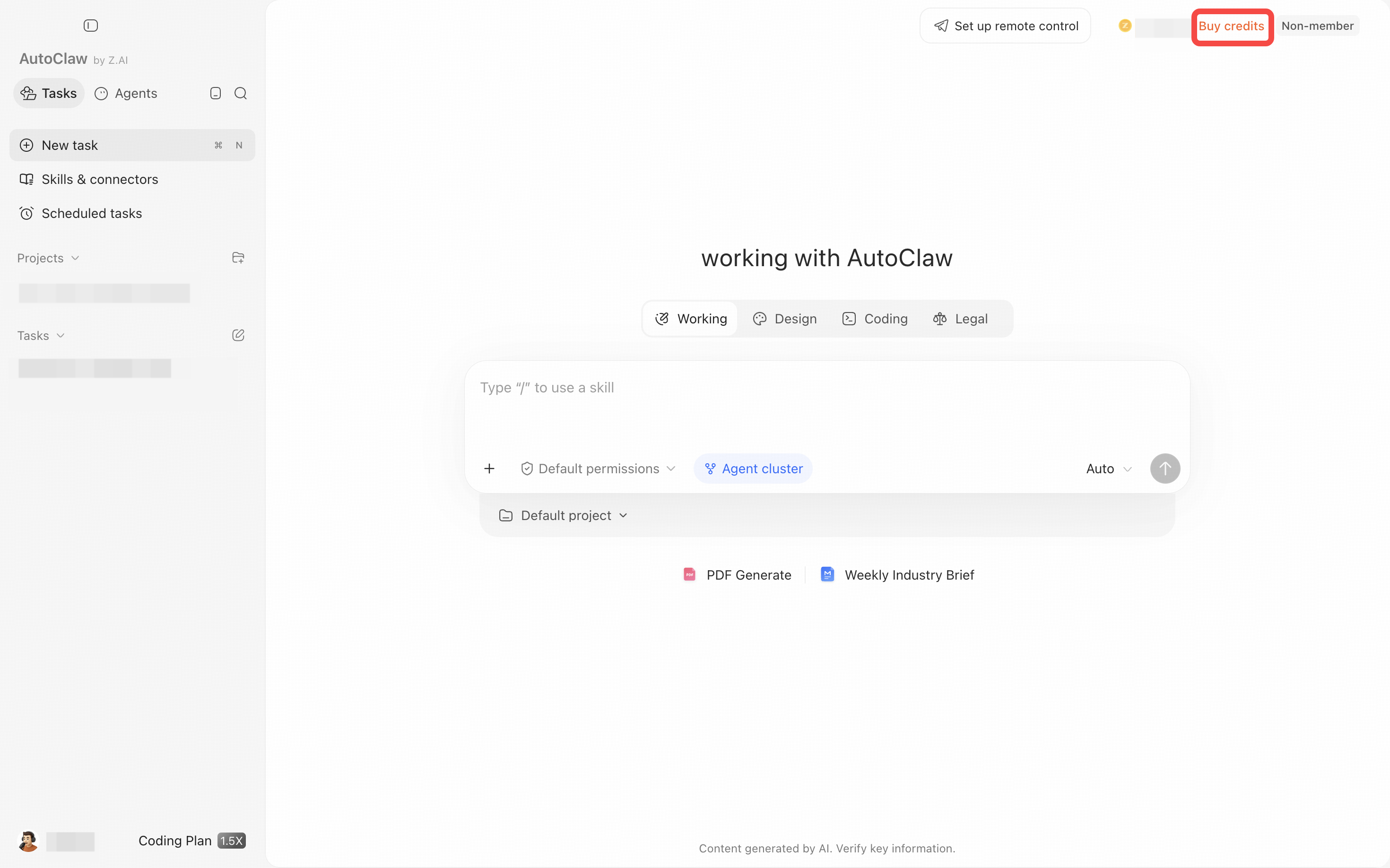
In the upper-right corner of the AutoClaw home page, you can see your credit balance and the "Buy credits" entry. Open Settings, then select "Credits" on the left to view credit details. Credit figures are personal account information, so mask them before sharing screenshots.
Step 2: View credit details or top up
On the Credits page, you can see Total credits and Credit history. Filter records with All, Spent, and Earned, which show all records, credits used, and credits received. The Refresh button is in the upper-right corner.
To add credits, click "Buy credits" in the upper-right corner. If you have a redemption code, click "Redeem." Plans, prices, and validity periods on the top-up page may change, so refer to the information shown on the page you actually open.
AutoClaw subscription plans
How to open the plans page
Click Buy credits in the upper-right corner of the AutoClaw home page to open the membership plans page in your default browser. There are two tabs at the top: Monthly subscription and Credit pack. After paying, return to AutoClaw and click Refresh on the Credits page if your balance has not updated.
The prices and benefits below are in US dollars (US$). Promotion rules and availability may change, so refer to the actual page in AutoClaw before you buy.
Monthly subscription
A monthly subscription includes monthly plan credits and membership benefits, including priority queuing during peak hours. The Base, Pro, and Max plans also include daily login credits that you can claim by logging in. The Lite plan has no daily login credits.
Plan | Price | Monthly credits | Daily login credits | Membership benefits |
|---|---|---|---|---|
Lite | US$6 / month | 5,000 credits | None | Priority queuing |
Base | US$20 / month | 20,000 credits | 200 credits per day | Priority queuing |
Pro | US$100 / month | 100,000 credits | 1,000 credits per day | Priority queuing |
Max | US$200 / month | 200,000 credits | 2,000 credits per day | Priority queuing |
Monthly subscriptions renew monthly. Monthly credits must be used within the current billing period, and any remaining plan credits expire at the end of it.
Credit pack
A credit pack lets you top up when your existing credits run out. It does not replace a subscription plan. It is a one-time purchase and does not renew automatically.
Credit pack | Price | Credits | Validity |
|---|---|---|---|
Lite Credit Pack | US$4 | 2,000 credits | 30 days |
Base Credit Pack | US$20 | 20,000 credits | 99 days |
Pro Credit Pack | US$50 | 48,000 credits | 99 days |
Max Credit Pack | US$100 | 100,000 credits | 99 days |
Recommendations
- If you use AutoClaw steadily every month and want priority queuing during peak hours: choose a monthly subscription.
- If your daily usage is light: with the Base plan or higher, you can claim daily credits by logging in each day, which can offset part of your everyday usage.
- If you already have a plan but temporarily run out of credits: buy a credit pack.
- Before buying, compare monthly credits, daily login credits, and credit validity. By unit price, the Base plan and the Base Credit Pack both give 20,000 credits for US$20, but the plan also includes daily login credits and membership benefits.
Subscription and credit rules
- Membership benefits and credit packs are generally non-refundable once activated or purchased. For exceptions such as duplicate charges, contact customer support.
- If you have several purchased credit packs, the ones that expire earliest are used first.
More questions about credits, accounts, and subscriptions are collected in the FAQ.