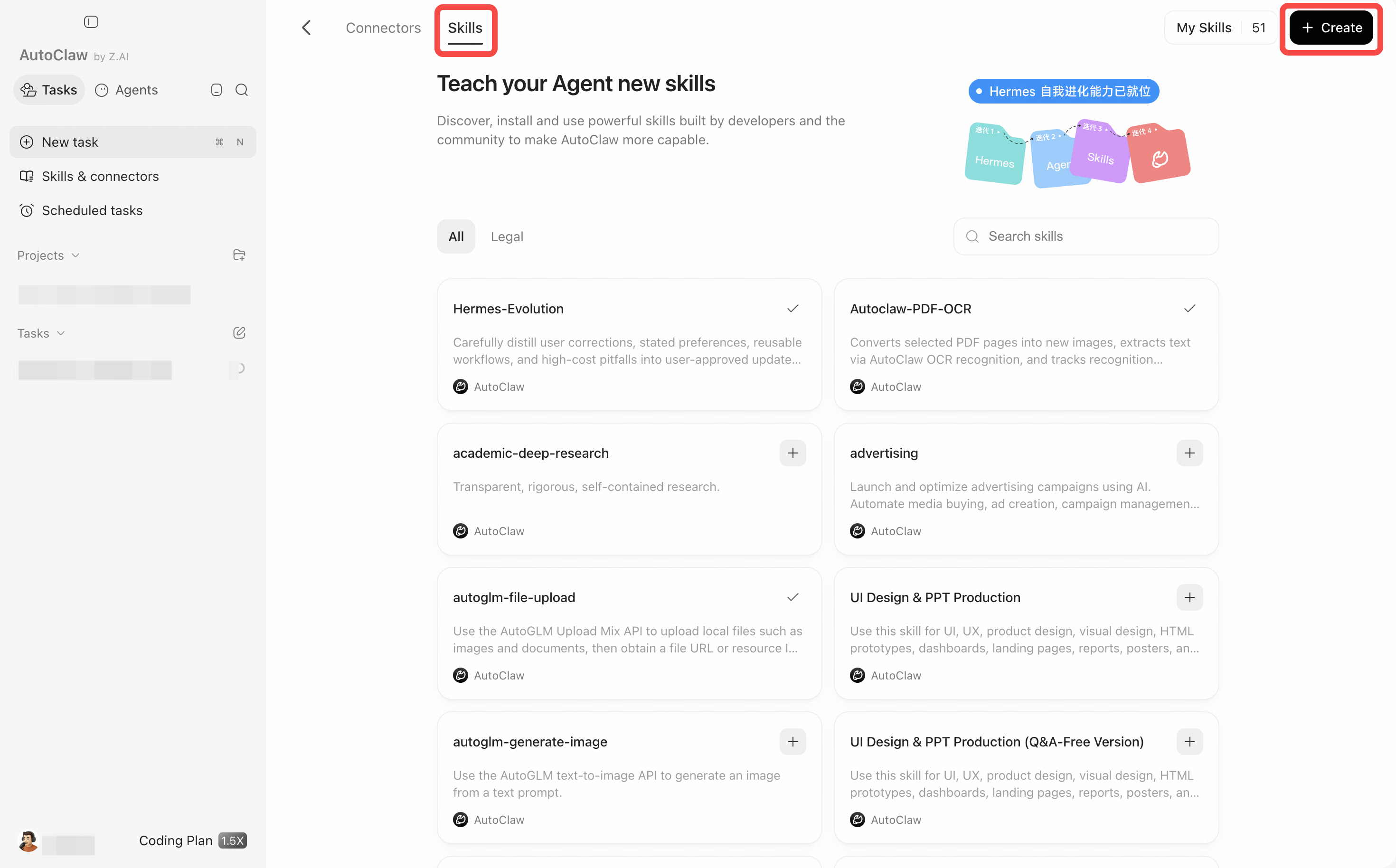
Features
The Features section covers AutoClaw's core feature modules: Skill, MCP and connectors, and Scheduled tasks.
Section | Content |
|---|---|
Browse, install, call, and create Skills | |
Connect external data sources | |
Create, view, pause, and review automated tasks |
Where to find them
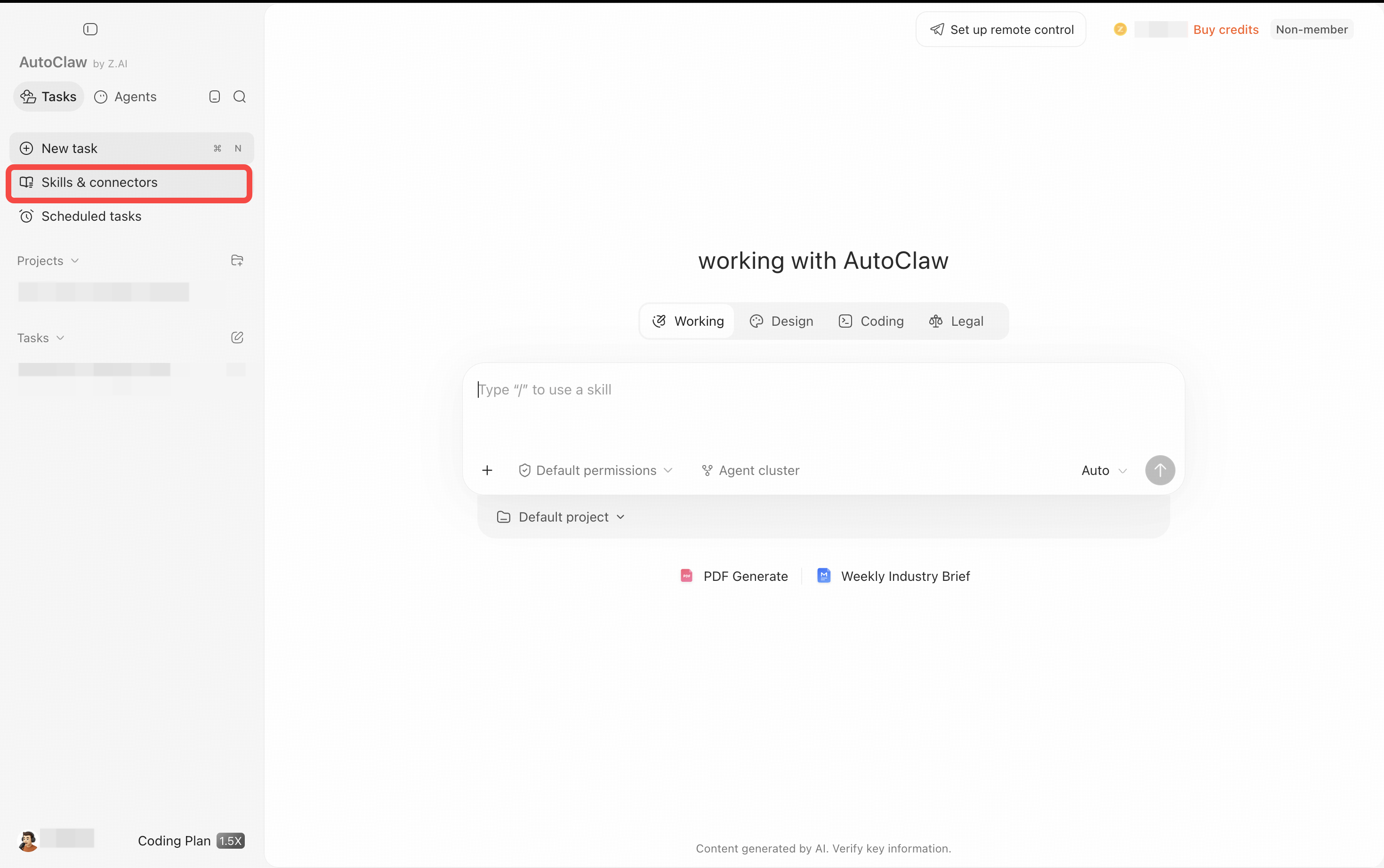
On the AutoClaw home page, click Skills & connectors in the left sidebar to switch between the Connectors and Skills tabs. Scheduled tasks, just below it in the left sidebar, lets you view and manage all the scheduled tasks you have created.
The three capabilities have clearly separate roles: a Skill teaches an Agent how to do a certain kind of work, a connector authorizes it to access external apps or data, and a scheduled task makes a piece of work run automatically on a schedule. You can combine them. For example, connect a news data source, install a content-organizing Skill, and then create a scheduled task that pushes a digest every morning.